- Quick History
- Layouts
- UI Design
- Images
- Fonts & Typography
- Elements
- Closing
Agenda
A Quick History
Software, interwebs, and everything else.
Layouts
The little things that we don't notice.
1- Grid Layouts
What's not a grid?
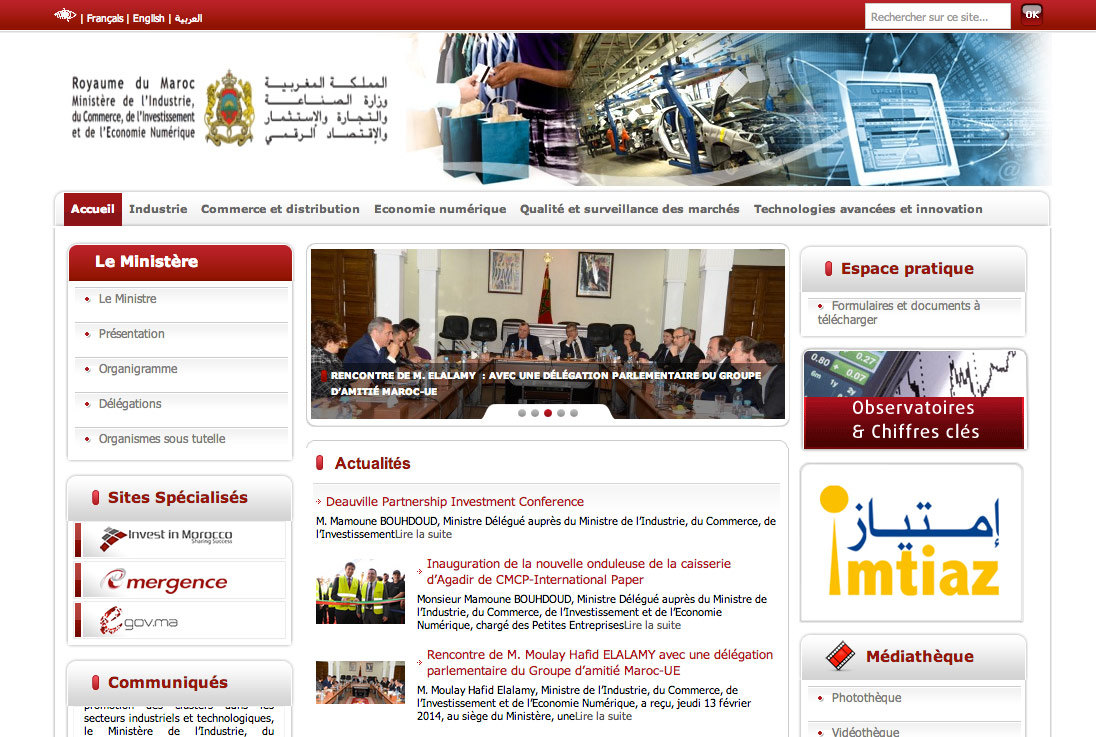
What's not a grid?
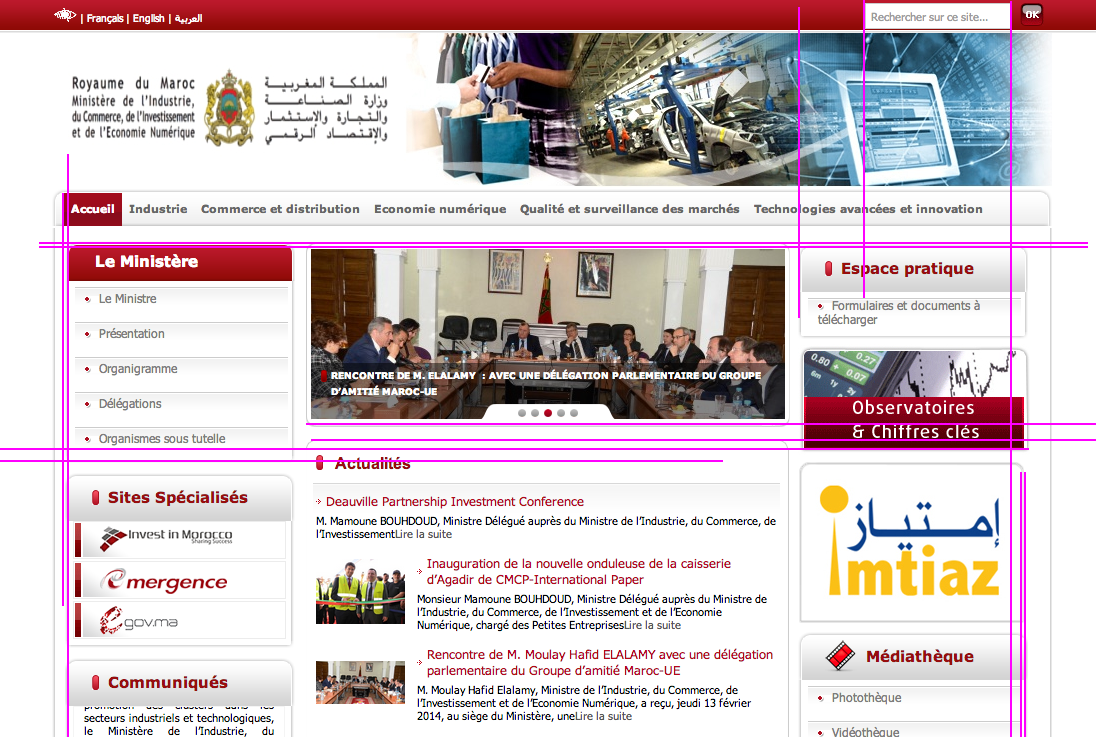
What's a grid?
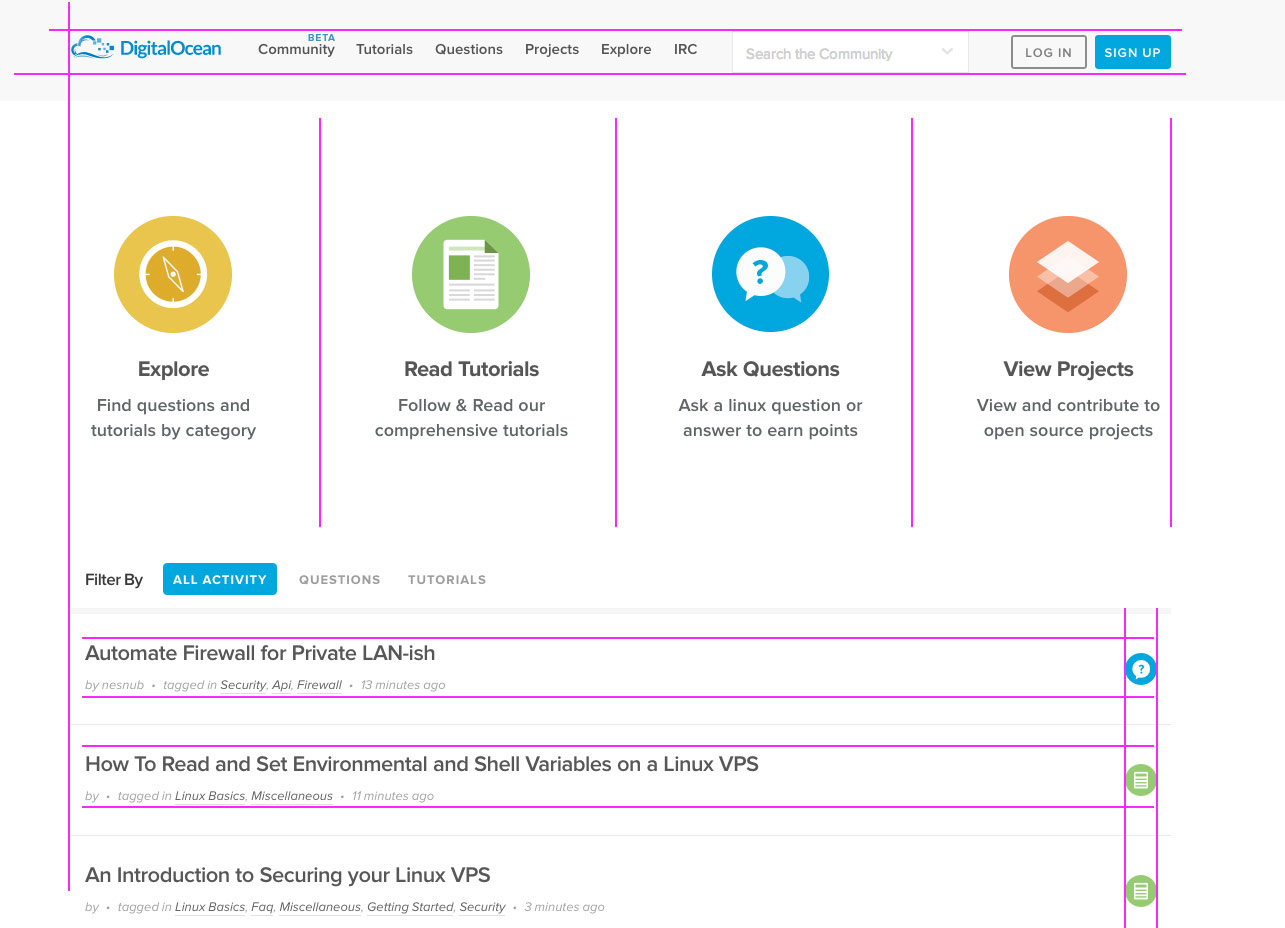
Make your own grid.
Bootstrap.
Code time ...
getBootstrap.com
<!DOCTYPE html>
<html lang="en">
  <head>
    <meta charset="utf-8">
    <meta http-equiv="X-UA-Compatible" content="IE=edge">
    <meta name="viewport" content="width=device-width, initial-scale=1">
    <title>Bootstrap 101</title>

    <link href="css/bootstrap.min.css" rel="stylesheet">
  </head>
  <body>
    <h1>Hello, world!</h1>

    <script src="https://ajax.googleapis.com/ajax/libs/jquery/1.11.0/jquery.min.js"></script>
    <script src="js/bootstrap.min.js"></script>
  </body>
</html>
2- Better Landing Pages
Bad/old landing ...

OK landing
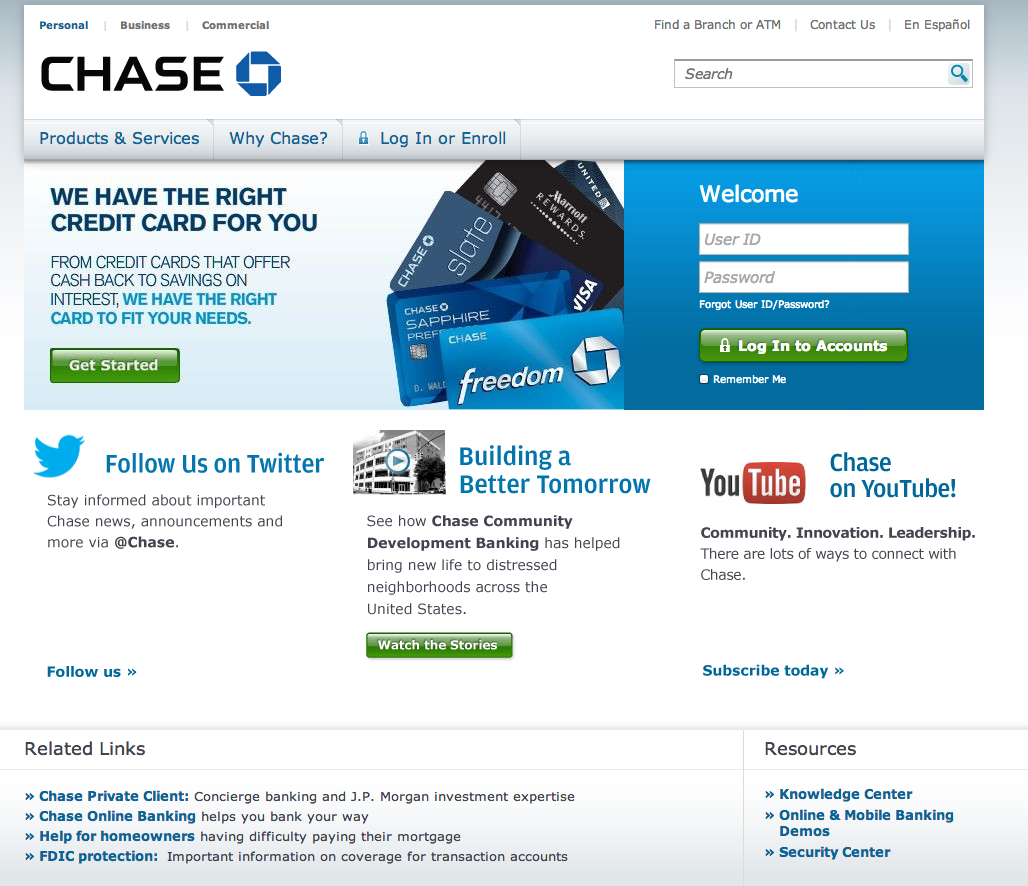
Good landing
3- Mega-navigation menus
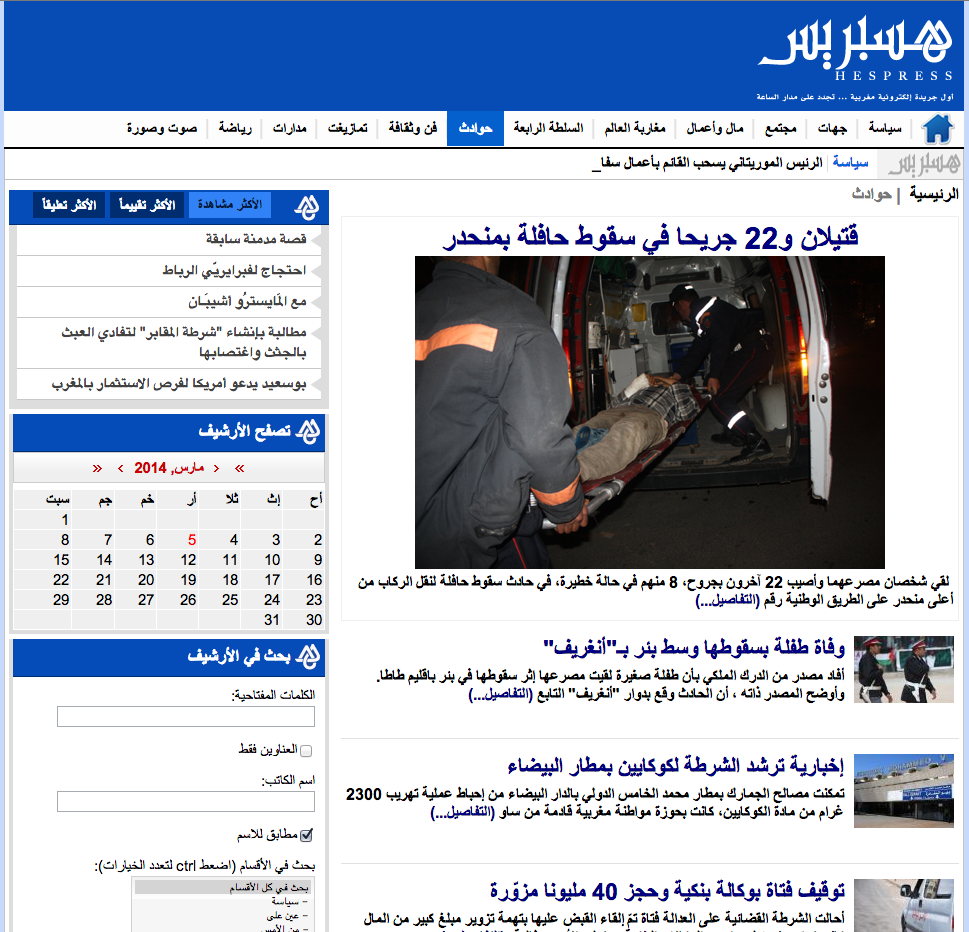
Mega-site, micro-menu
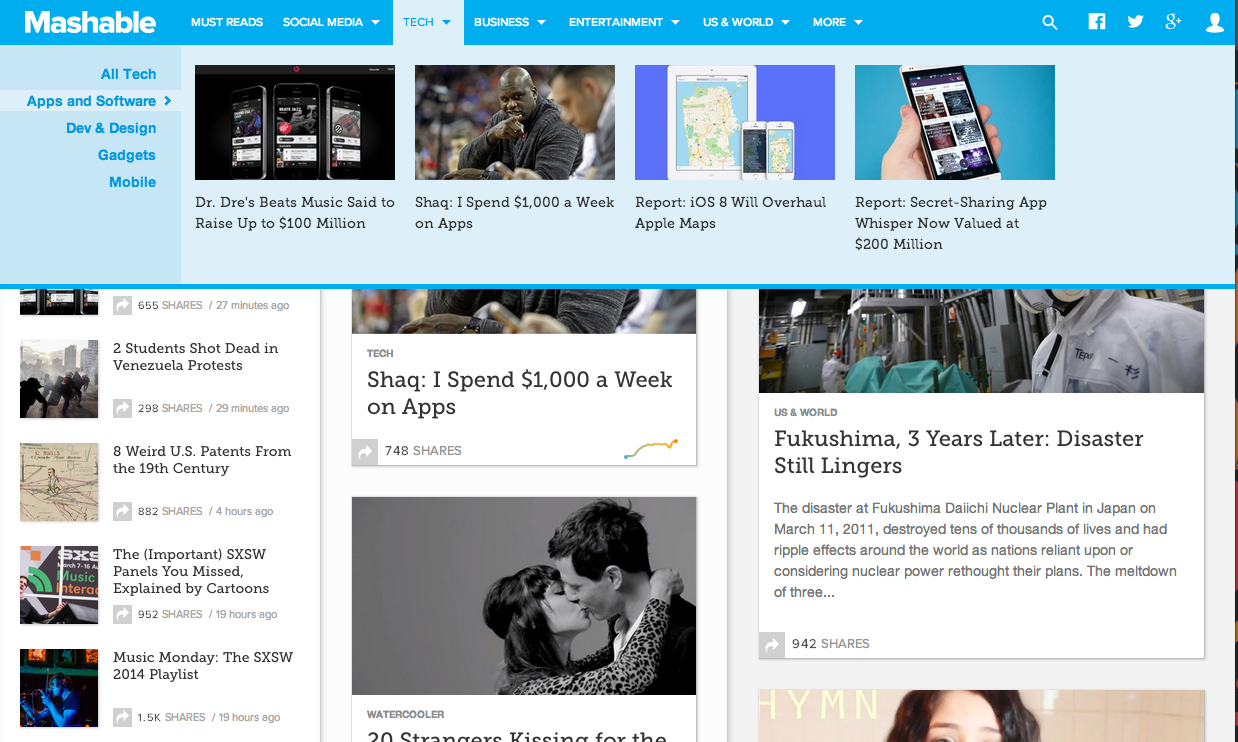
Mega-site, Mega-menu
4- Less clicking, more Scrolling.
More Clicking ...
Less (no?) Clicking
http://www.folkelarm.no
How to?
FullPage.js
<!-- ... -->
<link rel="stylesheet" type="text/css" href="jquery.fullPage.css">

<script src="http://ajax.googleapis.com/ajax/libs/jquery/1.8.3/jquery.min.js"></script>
<script src="http://ajax.googleapis.com/ajax/libs/jqueryui/1.9.1/jquery-ui.min.js"></script>

<!-- This following line needed in the case of setting the plugin option `scrollOverflow` to `true` -->
<script type="text/javascript" src="vendors/jquery.slimscroll.min.js"></script>

<script type="text/javascript" src="jquery.fullPage.js"></script>
<!-- ... -->
<div class="section">Some section</div>
<div class="section">Some section</div>
<div class="section">Some section</div>
<div class="section">Some section</div>
$(document).ready(function() {
  $.fn.fullpage();
});
5- Parallax
Parallax Demos
http://neomam.com/interactive/13reasons/
How to?
Stellar.js
$(window).stellar(); //$.stellar();
// or:
$('#main').stellar();
UI Design
The BIG things that we see.
6- Flat UIs
What's Flat ?
https://gibbon.co/
http://www.winamp.com
How ?
http://madebyvadim.com/layrs/
7- Skeuomorphism UIs
/ˈskjuːəmɔrf/
What's Skeuomorphic?
http://www.teamfannypack.com
http://www.worldofmerix.com
How to ...?
Images
The <img></img>s
8- Blurred Styles
9- SVGs
How?
- Adobe Illustrator
- Raphael.JS
- D3
- Glyohicons
Fonts & Typography
Helvetica, Arial, and Comic Sans MS.
10- Non-boring typography
How?
Elements
Beyond the simple forms.
11- Hero Areas
12- Expanded Search Bars
13- Featured detail lists
14- Quick user registration
15- Large video elements
Closing
<Thank You!>